Tutorials & Guides

Master our image editing tools with these step-by-step guides. Learn how to compress, convert, resize, and edit your photos like a pro.
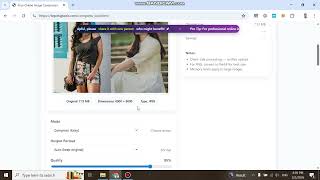
Image Compressor

Reduce image file size while maintaining quality for faster web loading.

Read Guide

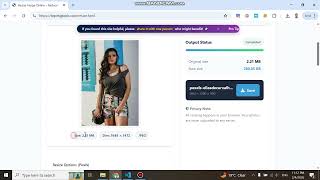
Image Resizer

Change image dimensions (width & height) easily and accurately.

Read Guide

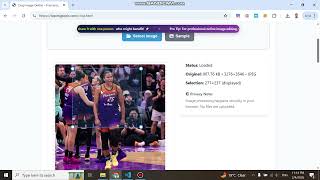
Image Cropper

Trim unwanted parts of your photos by using visual crop or aspect ratio.

Read Guide

Rotate Image

Fix orientation issues by rotating images 90 degrees or by custom angles.

Read Guide

GIF to JPG

Extract the first frame of an animated GIF and save it as a static JPG image.

Read Guide

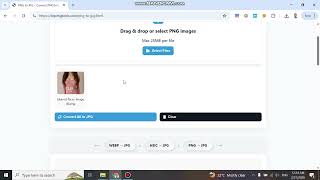
PNG to JPG

Convert PNGs to JPG format, handling transparency with a background color.

Read Guide

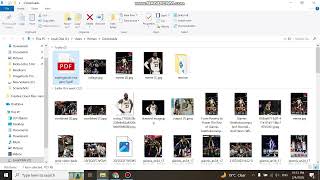
Image to PDF

Combine multiple images into a single, easy-to-share PDF document.

Read Guide

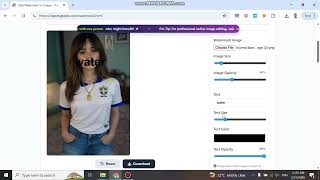
Watermark Adder

Protect your copyright by adding text or image logos to your photos.

Read Guide

Remove Background

Automatically remove image backgrounds to create transparent PNGs.

Read Guide

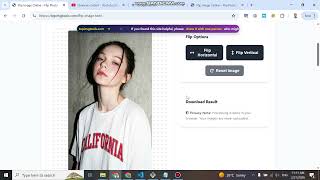
Flip Image

Mirror your images horizontally or vertically with a single click.

Read Guide

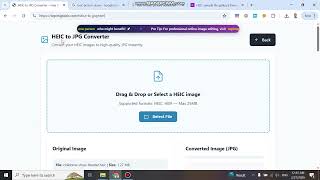
HEIC to JPG

Convert iPhone HEIC photos to widely supported JPG format.

Read Guide

JPG to PNG

Convert JPG images to PNG for higher quality and lossless compression.

Read Guide

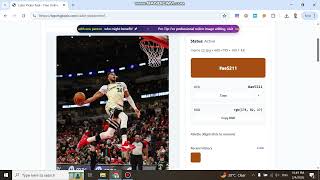
Color Picker

Pick any color from your image and get the HEX, RGB, or HSL code instantly.

Read Guide

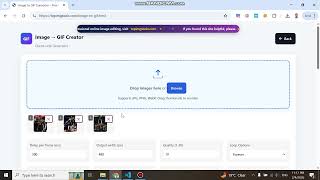
Image to GIF

Create animated GIFs from a series of static images with custom timing.

Read Guide

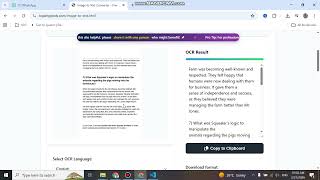
Image to Text (OCR)

Extract editable text from images using Optical Character Recognition.

Read Guide

Join Images

Merge two or more images together either horizontally or vertically.

Read Guide

Meme Generator

Create funny memes by adding custom text to templates or your own photos.

Read Guide

Image Mosaic

Blur parts of an image (pixelate) to hide sensitive information.

Read Guide

Image to SVG

Convert raster images (JPG/PNG) into scalable vector graphics (SVG).

Read Guide

WEBP to JPG

Convert modern WEBP files to standard JPG format for better compatibility.

Read Guide

Collage Maker

Create beautiful photo collages with various layouts and grids.

Read Guide